
Big discoveries
start at home.
Small steps. Real projects. Skills that grow.
Explore science, technology, engineering and maths through coding, real robot projects and purposeful practice. Find a starting point that fits your child — and see where their learning takes them.
Already have an MRT robot kit? ↓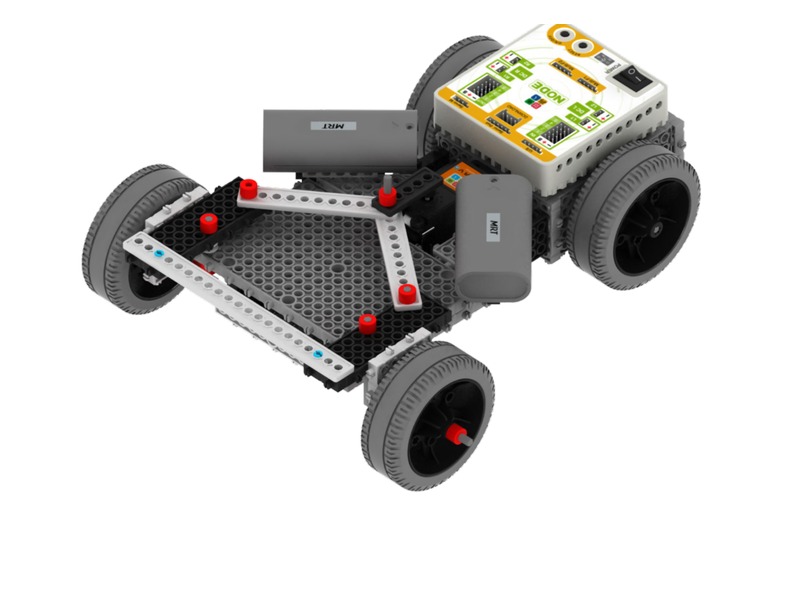
Take on bigger challenges.Australian & international pathways ↗
 View full report Actual MRT models & learning screens
Start with your child.
Build from there.
Choose by experience, curiosity and the equipment you have. Ages are a guide: learners with earlier-stage experience or the right skills can take on a new challenge at any age.
New to making & coding?
Explore Starter 001 for first robot builds. For digital projects, look for ScratchJr and beginner keyboard activities.
Explore a first build → 02Ready for the next challenge?
Compare Scratch, Python, robot control and AI projects. Match the course to what your child can already do.
Compare the courses → 03Already have a robot kit?
Check the product name and mainboard before choosing a course. Similar-looking robot models can use different boards.
Find the matching pathway →Learn it. Make it.
See it work.
Science theory, technology, engineering and maths connect through hands-on robotics and coding — with maths practice, vocabulary and writing to grow understanding.
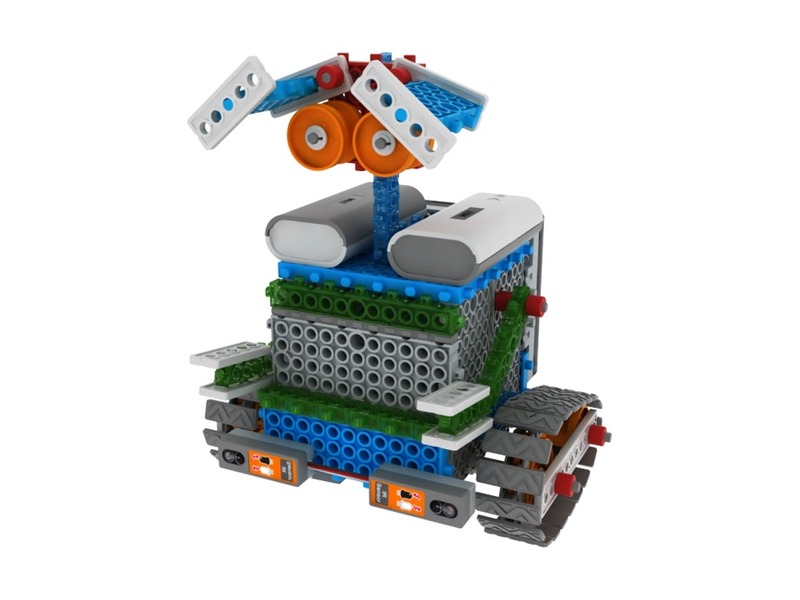
Robotics & AI
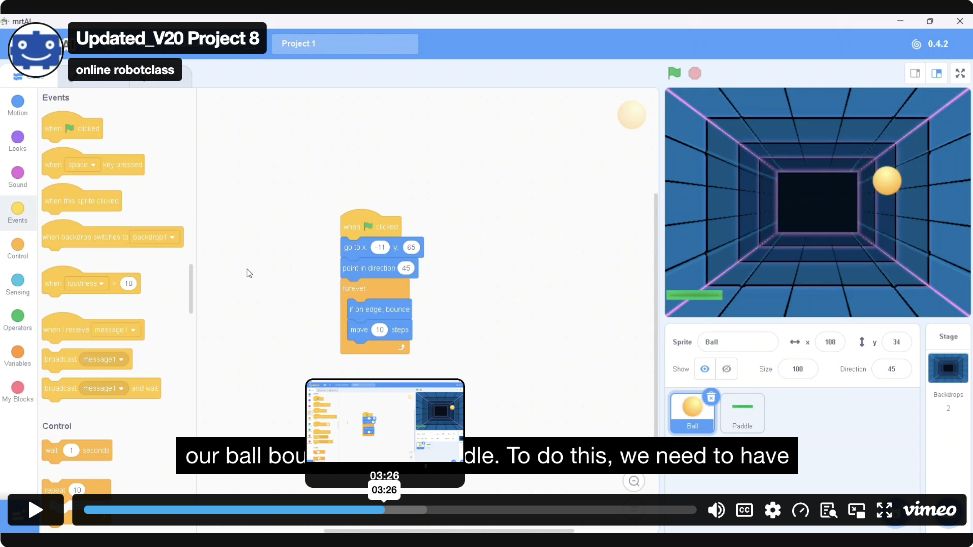
Build real models and connect science ideas to mechanisms, motors and sensors. Explore graphical or C++ coding in 401, Scratch in 402 and AI model control in 451.
001–301 foundations · 401 C++ · 402 Scratch → 451 AI · 501 PythonExplore robot courses ↗Coding
Make stories and games with ScratchJr and Scratch, practise logic missions and progress into Python and AI. See how a change in code changes the result.
Stories · Games · Logic · Python · AIExplore coding projects ↗
Maths · K–Year 10
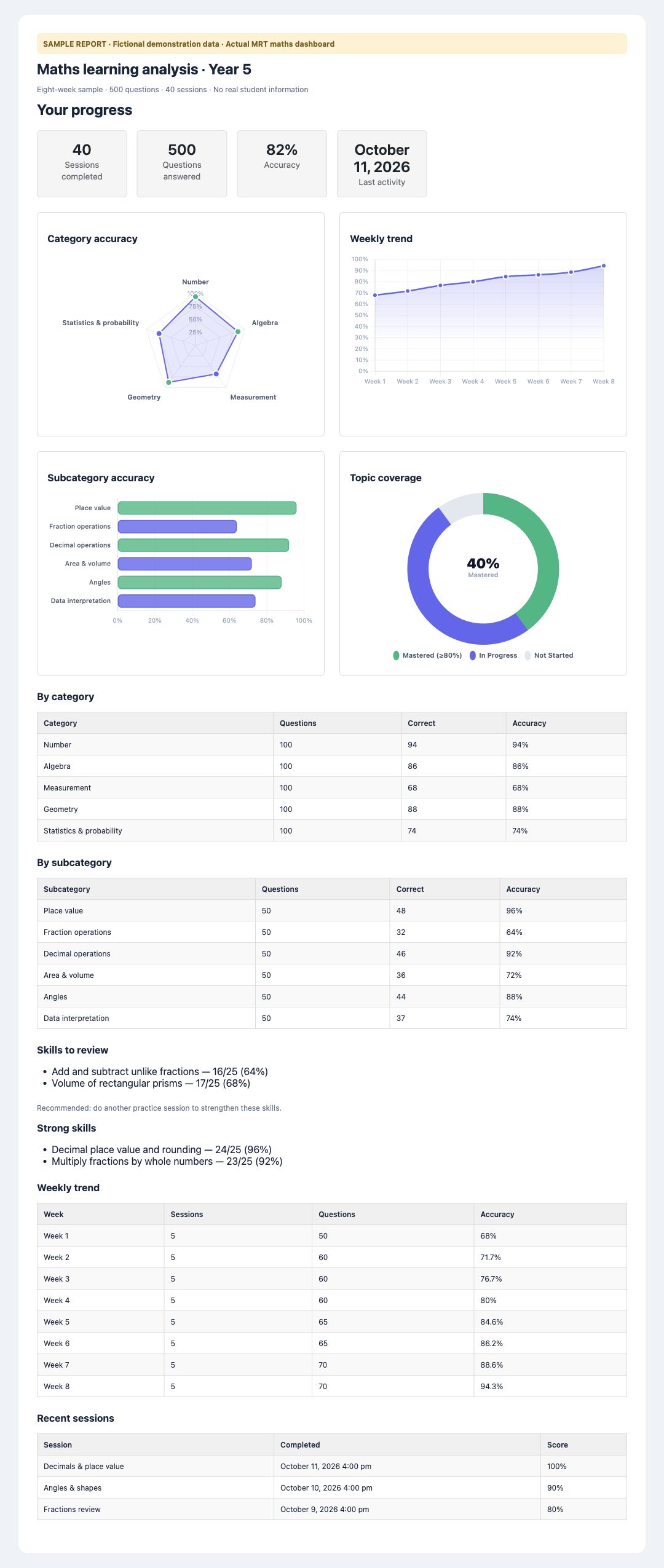
Work through year-level concepts with real questions and explanations. Detailed reports identify strengths, skills needing review and recommended practice.
Number · Algebra · Measurement · Geometry · Data & probabilityFind their maths year ↗Typing & Writing
Develop accurate typing alongside coding syntax and basic logic, English vocabulary and writing across 10 genres. Move from guided practice to your own ideas.
7 practice paths · 1,360 vocabulary items · 100 writing modelsExplore typing & writing ↗Real activities.
Room to explore.
A meaningful lesson gives your child something to understand, try and improve.
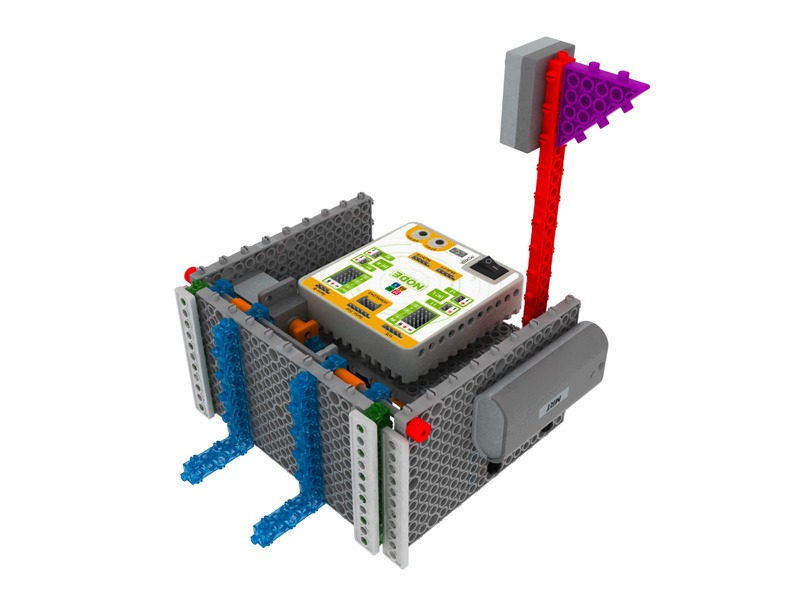
What happens when
you change the code?
- Understand the ideaExplore the mechanism or sensor used in the activity.
- Build & connectFollow the model instructions and matching board guide.
- Code, test & improveTry a command, observe the movement and adjust your approach.
Know their strengths.
Find the gaps.
Build mastery.
Maths learning reports bring together skill-level accuracy, recent performance, strong areas and skills that need more practice. Use those insights to choose the next step.
- Practise
- Review the report
- Focus on a skill
- Try again
Coding and robotics track course progress. Typing records speed and accuracy; writing activities support practice and review. Available information depends on the activity and linked account.
View the full sample report ↗Actual MRT maths analysis dashboard · fictional eight-week sample · no real student information.
Type to learn.
Write with purpose.
Typing becomes a way to practise precise code, understand words and develop a piece of writing — with structured repetition and review to build towards mastery.
Syntax meets logic.
Practise brackets, quotes and indentation. Type Python variables, conditions and loops, then use Run My Code in supported activities to explore the result.
Words with meaning.
Three vocabulary levels contain 1,360 items. Learn meanings and example sentences, type words and complete sentences using context.
From a model to your own voice.
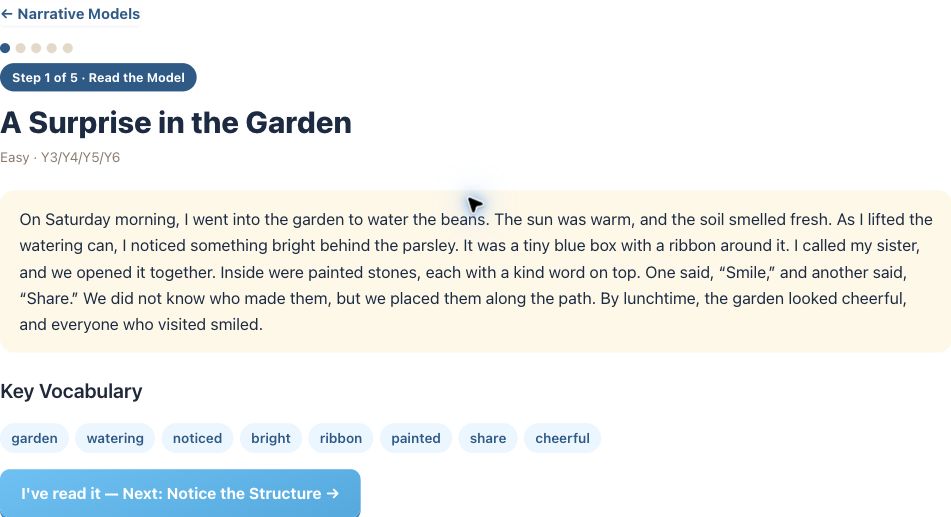
100 models, 10 genres and a 300-expression Phrase Bank. Read → notice structure → type → improve → write your own.
Explore the 10 writing genres
Narrative · Descriptive · Recount · Informative · Explanation · Persuasive · Discussion · Letter & email · Review · Speech
Digital learning first.
Real robots when you’re ready.
Many coding, maths and typing activities can begin with a computer. Physical robot building and control need the matching kit and supported connection.
Choose online learning
Pick Maths or Full STEM. Compare the included learning, family pricing and recurring billing below.
Compare plans →Buy a robot kit
Check the exact board, included courses and eLearning access period on the product page. Kit access and a family subscription can have different scopes.
View current kits & prices ↗Use the kit you own
Match its product name and mainboard to the course. For example, 401 and 402 share robot models but use different boards and coding environments.
Get help identifying your kit →Activate access from a shop order →
Already registered? Open your dashboard →
Prefer to rent? See the robot rental costs
Optional rental is separate from the learning subscription: A$15 per fortnight, with a 2-month minimum. A refundable security deposit of A$400 and first delivery fee of A$50 apply. A next-stage service fee of A$50 applies when changing stages. Deposit refund and kit return conditions apply.
Check rental availability & full terms →A clear choice.
A shared learning routine.
Prices in AUD, inclusive of GST where applicable. Billed every two weeks and renewed automatically. Robot hardware and rental are separate.
Math Mastery
For regular maths practice and a clearer picture of the next skill to work on.
- K–Year 10 maths pathway
- Year-level concepts, questions and explanations
- Skill-level strengths, review areas and recommended practice
- Linked parent progress visibility
Each additional child: A$4/fortnight
Choose Math MasteryFull STEM
For families ready to connect maths with coding, robotics, AI and expression.
- Everything in Math Mastery
- Scratch, logic and Python learning pathways
- Digital robotics and AI course access
- Typing, vocabulary and Writing Fluency Lab
Each additional child: A$4/fortnight
Choose Full STEMCancel future renewals online. Access follows your paid subscription or kit entitlement period; cancellation and rental returns have separate conditions. Review the included access and final total before checkout. Cancellation policy ↗
From home practice
to a bigger challenge.
Prepare at home for the Australia-wide UNSW Robotics Coding Challenge, and explore international competition pathways such as IYRC. Build, code, train AI models and test your ideas through guided MRT learning.
Entry follows each event’s current eligibility, robot requirements, registration and dates.
Official Robot Kit · MRT AI 451
Get challenge-ready at home. Build on 402 Scratch foundations, train an AI model and connect it to your robot — then practise and refine your project.
Discover AI Stage 1 →A few useful answers.
Can we start without a robot?
Yes. Start with maths, digital coding or keyboard activities. Physical building and robot-control activities need the matching robot kit.
How do I choose a maths year?
Start with your child’s current school year within K–Year 10. Review earlier concepts where useful and use the learning reports to identify skills needing more practice.
What device do we need?
A computer with a physical keyboard is recommended for typing and text-based coding. Robot courses have specific board, connection and software requirements; check the selected course before buying hardware.
Does age limit which robotics course we choose?
Ages are a guide. A child who has completed the previous stage or has the necessary skills can take on the next challenge at any age. Match both the learner’s readiness and the mainboard.
How much help will my child need?
Guided lessons help children work through activities, but the support needed depends on age and experience. Younger children may need help reading instructions, setting up devices and handling robot hardware.
Is typing part of learning to code and write?
Yes. Coding Symbols practises punctuation; Python Typing Lab includes variables, conditions, loops and supported code execution. Vocabulary develops meaning in context. Writing Fluency Lab moves from model texts to sentence improvement and independent writing.
What can I see as a parent?
With the appropriate linked account, parents can review available learning progress. Maths reports identify skill-level strengths and areas needing review. Other activities record the progress or practice results supported by that course.
How is kit access different from a subscription?
Kit products can include access to specified eLearning for a product-specific period. A family subscription is recurring access to its included learning. Check both scopes and dates so you choose the access you need.
Can we add another child?
Yes. The additional-child rate is shown with each plan above. Family subscriptions support up to three children, each with their own learning account and progress record. Review the family setup options during subscription.
Can I cancel?
You can cancel future subscription renewals online. Check the cancellation policy and your account for the paid access end date. Rental has a separate minimum period, return and deposit conditions.
Follow their curiosity.
Build their confidence.
Find an activity they want to try — and a pathway they can grow into.