
Build a centre.
Grow possibility.
A STEM education business, with the learning and tools behind it.
Bring science, technology, engineering and maths to life through robotics, coding and guided eLearning. Start with a manageable group, organise your students and build towards national and international challenges.
Additional students A$5.50/week each
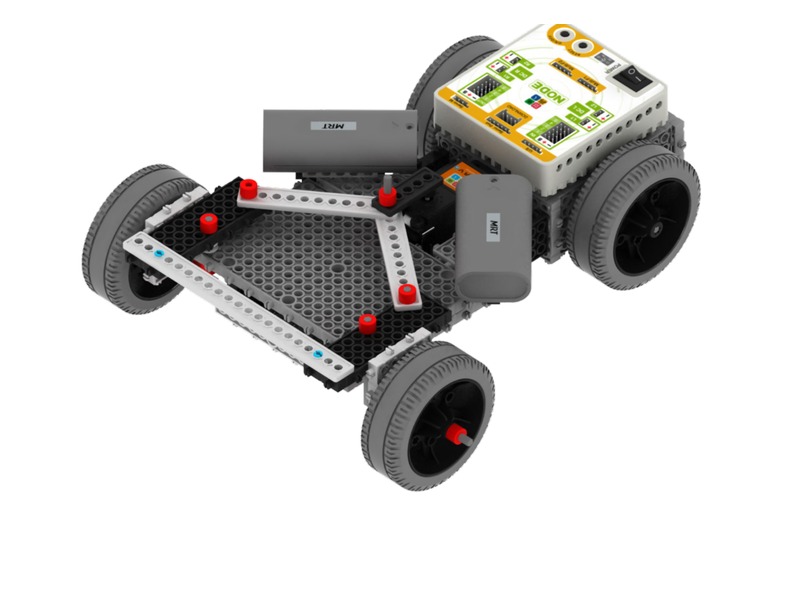
The content. The equipment.
The system to bring it together.
You focus on your learners and local community. MRT brings together structured learning, educational robots, teacher preparation and a workspace for day-to-day centre operations.
A ready learning collection
Choose guided robotics builds, Scratch-to-Python coding, maths practice and typing-based learning. Use existing activities rather than authoring every lesson.
Robots with a learning pathway
Match the course and mainboard to your students. Grow from first builds and mechanisms into sensors, coding and AI projects.
One management workspace
Bring student registration, class placement, attendance, course progress, payment records and parent reporting into a connected workflow.
Individual & group training
Prepare to open with individual or group startup training. Build your teaching confidence and plan the equipment, learning activities and centre workflow with MRT.
Prepare to open.
Build confidence to teach.
MRT offers individual and group training courses for people preparing to open a STEM centre, as well as teams adding robotics and coding to an existing education business.
Prepare for your own centre.
Work with MRT on your startup preparation. Discuss your experience, intended students and chosen program to agree a suitable training scope and next steps.
Get your team ready together.
Prepare prospective operators and teaching staff as a group. Build shared understanding of the learning approach, teaching preparation and centre workflow.
Discuss course delivery, robot and software setup, student and class management, progress review and competition preparation when planning your training. Content, delivery format, schedule and fees are agreed for the selected course.
Discuss individual or group startup training →From understanding an idea
to making it work.
A consistent learning experience: explore the concept, follow a guided activity, test the result and review the next step. Match the learning to your students’ experience and your centre’s agreed access.
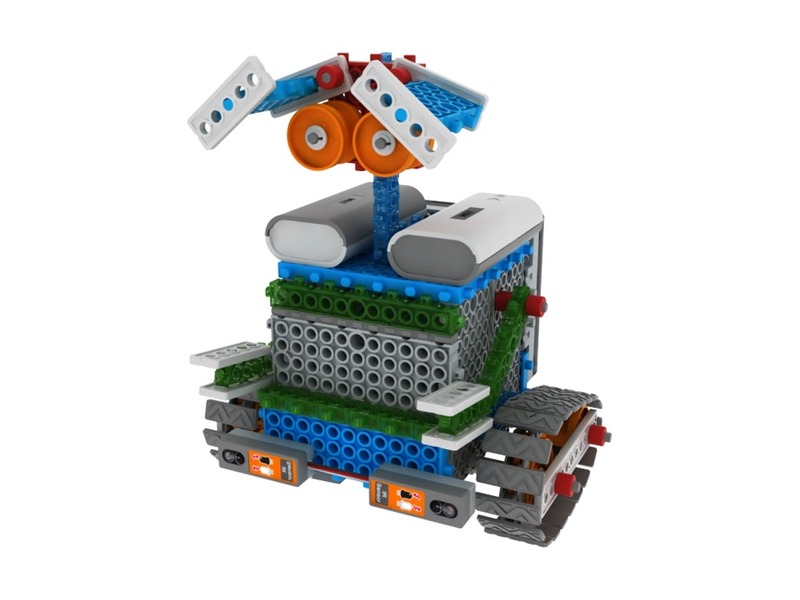
Robotics & AI
Science theory and engineering through real models, mechanisms and sensors. 401 uses graphical or C++ coding; 402 Scratch leads into 451 AI. 501 offers a separate Python pathway.
Explore the courses ↗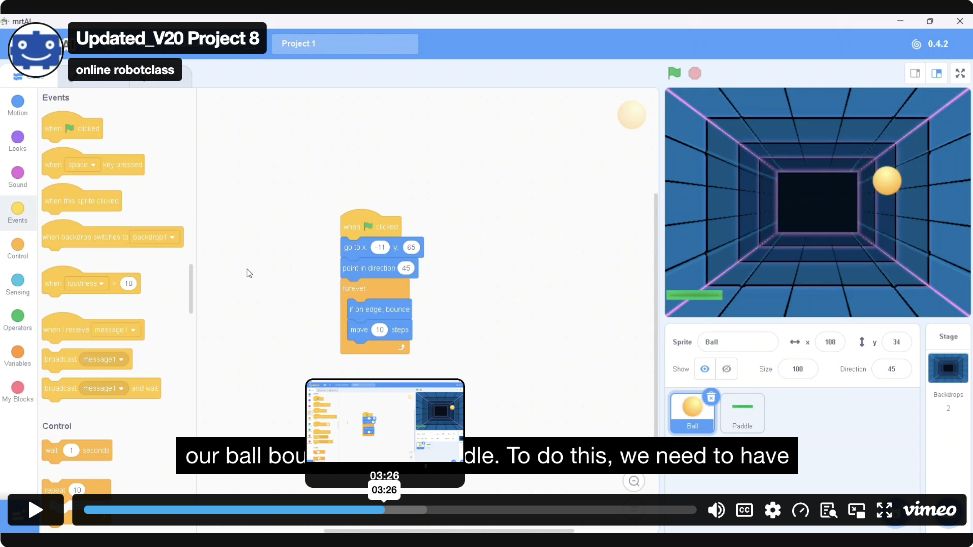
Coding & logic
Stories, games, logic missions and Python. Learners practise creating, testing and improving programs, with project pathways that can lead into competition preparation.
Explore the courses ↗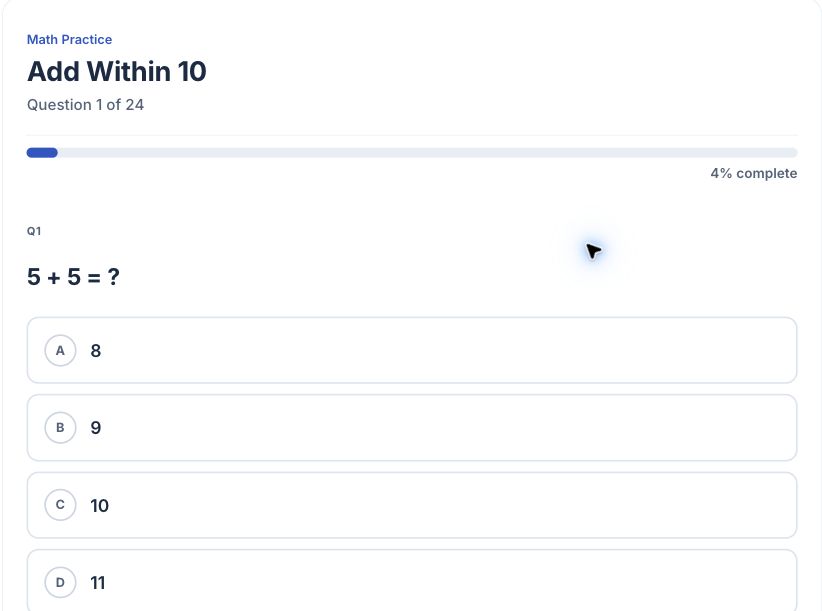
Maths · K–Year 10
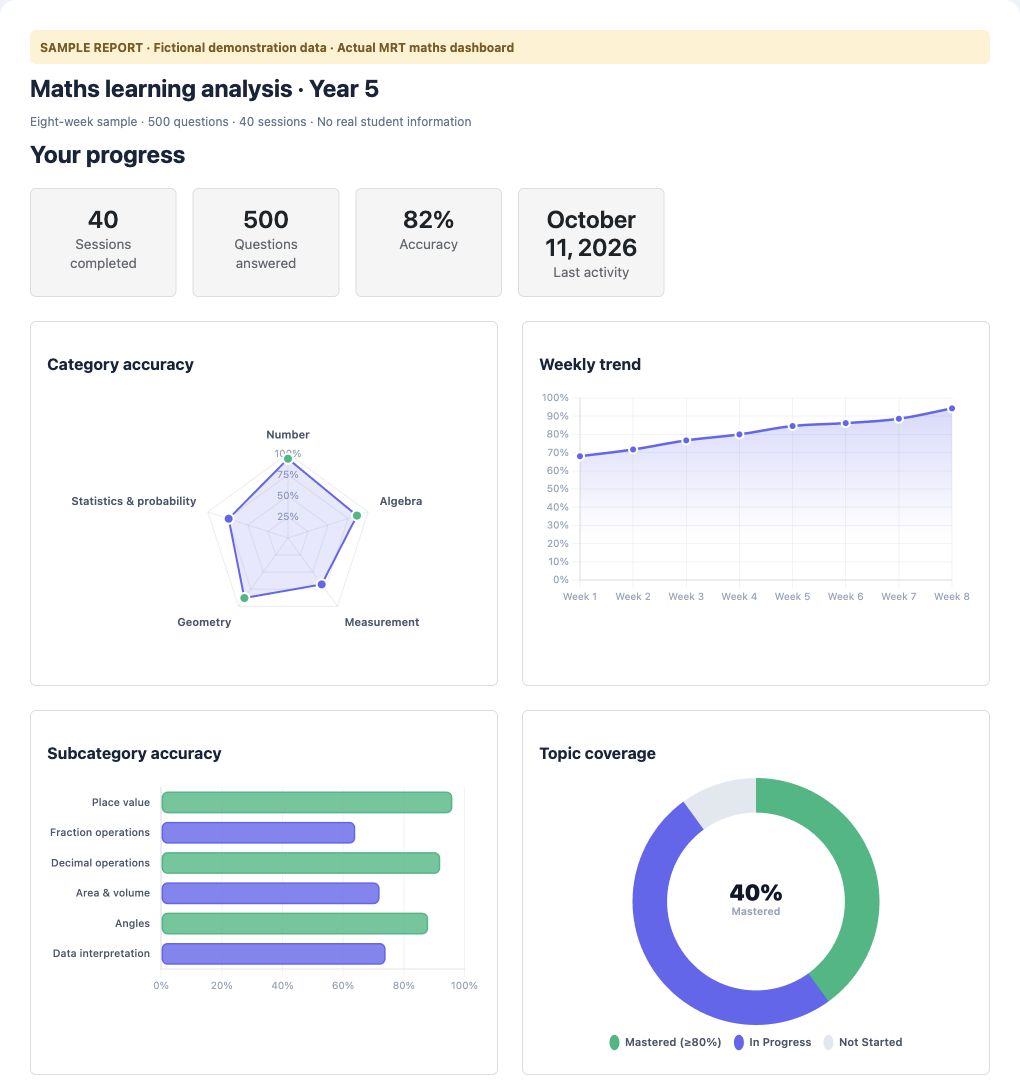
Year-level concepts, questions and explanations. Reports show strengths and skills needing review, supporting more focused practice and progress towards mastery.
Explore the courses ↗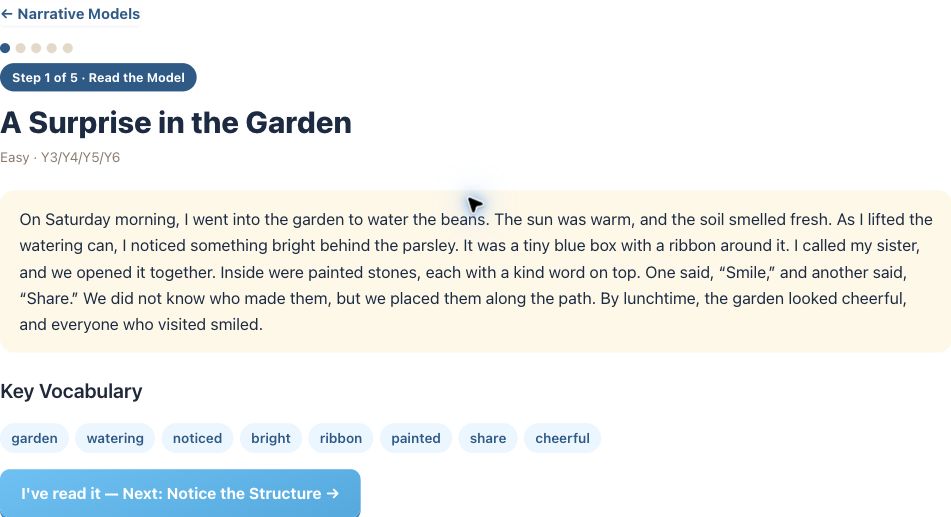
Typing, vocabulary & writing
Keyboard fluency connects with code syntax and basic logic, 1,360 vocabulary items and 100 writing models across 10 genres. Practise, improve and create.
Explore the courses ↗The course collection and your centre package are different scopes. Confirm included subjects, course access, equipment and training during onboarding.
Less scattered admin.
More connected teaching.
Follow the work you do every day — from a new student enquiry to their class, attendance, learning progress and parent conversation.
A connected workflow using the centre portal’s existing tools.
Students & enrolmentKeep applications, approved students and class placement connected.
Process student applications, review student records, assign classes and manage linked learning access. Parent consent and setup actions follow the centre workflow.
Classes & attendanceOrganise teaching groups and keep attendance records.
Manage term and class arrangements, place students in teaching groups and record attendance for scheduled sessions.
Learning progressSee how students are progressing across their learning.
Review the available maths, coding, robotics and typing progress in the centre workspace. Follow up learners who need attention and use maths reports to focus practice.
Payments & follow-upKeep student payment records visible alongside learning.
Review recorded payments, unpaid or overdue items and receipts. The centre’s HQ platform billing is a separate account view; this is not a full accounting system.
Parent reports & conversationsConnect the learning record to a useful parent update.
Prepare student summaries, review report information and record parent meeting or consultation notes. Sending follows the available centre report and consent workflow.
Daily overviewKnow what needs attention before the next session.
Review pending applications, attendance and learning-access issues, progress and payment follow-up from the centre dashboard.
Give your students
a bigger goal.
MRT organises the UNSW Robotics Coding Challenge and provides robotics products, learning content and preparation pathways connecting local classes with Australian and international competition experiences.
Prepare through regular lessons, then build and refine a project. Entry, permitted robots and registration follow each event’s current rules and dates. A centre subscription does not grant event-operating rights.
402 Scratch foundations → 451 AI model training and robot control
Explore AI Stage 1 ↗Real centres.
Meaningful revenue.
Serving Australian communities since 2014, backed by more than 20 years of STEM and robotics expertise. Historical NSW centre examples show how structured classes have supported an education business.
Epping West Centre
Reported weekly tuition revenueA$4,800–5,300Epping Public Centre
Reported weekly tuition revenueA$4,200–4,500Source: the historical centre case sheet previously published by MRT. The revenue examples are not current, typical results or a forecast. The sheet lists wages and rent only; figures are not net profit and do not include all operating costs. A complete reporting period is not specified for these weekly examples.
Build on established robot classes and curriculum with today’s connected eLearning, student management and progress reporting.
About MRT’s history and education work ↗Start focused.
Expand with your team.
You can begin with digital subjects and add hands-on robotics after the relevant training and equipment setup.
- 1
Choose your starting model
New centre, existing tuition business or after-school program — decide who you want to teach and which subjects to offer.
- 2
Apply & complete onboarding
Submit your centre details and review the subscription. HQ verifies the application and payment before activating manager access.
- 3
Train & prepare your first class
Choose individual or group startup training, prepare your staff and equipment, then set up students and classes. Confirm the training scope with MRT.
- 4
Teach, review & grow
Use guided eLearning, attendance and progress tools. Add new projects, levels and competition preparation as your students develop.
A clear platform fee.
Equipment at your pace.
Separate the recurring platform subscription from robot hardware and teacher training, so you can plan the setup your program needs.
Up to 10 students · GST included · billed weekly
- Maths & coding access for enrolled students
- Centre management workspace
- Student progress and available parent reports
- HQ onboarding and account setup support
Good teaching starts
with a prepared centre.
Complete onboarding, organise supervision and prepare devices, kits and teaching materials before classes begin.
People & supervision
Nominate a responsible operator, organise appropriate staff checks and maintain parent contacts, consent and pickup arrangements.
Robotics readiness
Complete the agreed training and check batteries, connections, workspace and equipment before supervised robotics sessions.
Accounts & records
Keep student and class records current. Use the portal’s permissions and parent communication workflow for learning information.
Plan your first step.
Can I add MRT to an existing tutoring centre?
Yes. Add structured digital subjects or prepare a robotics program alongside your existing timetable. Your onboarding should confirm the subjects, student numbers and equipment you want to use.
Do you offer training before I open?
Yes. MRT offers individual and group startup training courses for prospective centre operators and teaching teams. Discuss your experience and program goals to agree the course content, delivery format, schedule and fees.
Do I need to develop lessons myself?
MRT provides guided courses and activities. Teachers still prepare the selected session, support students, supervise hardware and review their learning.
Can I begin without robot kits?
Yes. Start with digital maths and coding. Physical robot building and control require matching kits and the relevant teacher preparation.
What happens when I have more than 10 students?
The published base platform subscription is A$55/week for up to 10 students. Each additional student from number 11 is A$5.50/week, GST included.
How does the management workspace help?
It connects student applications and records, class placement, attendance, learning progress, payment records and parent reporting. Available actions follow your role and centre setup.
Can students prepare for competitions?
Yes. Use regular lessons to develop coding, building and AI skills, then prepare eligible projects for the Australia-wide UNSW Robotics Coding Challenge and international pathways such as IYRC. Check current registration, categories and permitted equipment with each organiser.
Are the centre revenue figures guaranteed?
No. They are operator-supplied historical examples, not typical or promised results. Student demand, attendance, fees, staffing, venue and other costs determine your own results.
Is this a franchise or an international operating licence?
This page describes the centre platform package. International distribution, territory arrangements and competition operations require their own separately approved agreements.
Register Your Centre
Submit your centre details, then review the subscription. HQ verifies the application and payment before sending your centre manager invitation.