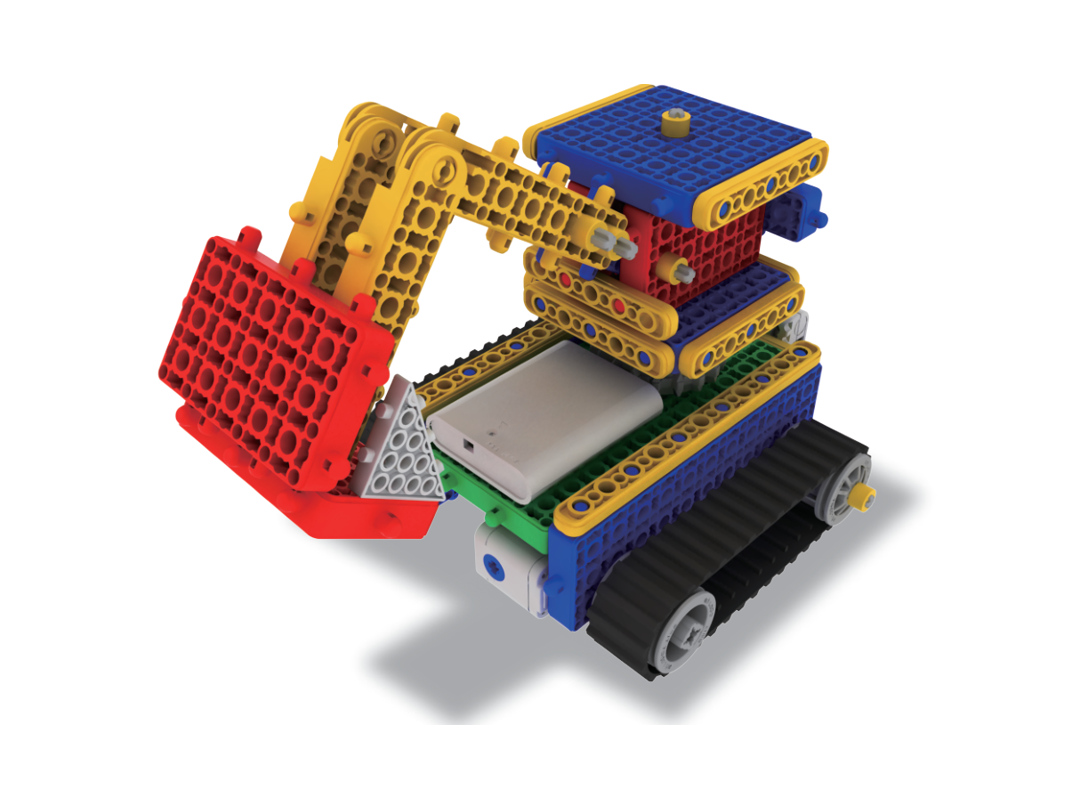
Connect structures and electronics · 001
Connect block structures and electronic devices.
Course guideOpen course →
EXPLORE MRT LEARNING
Explore robotics, AI, coding, maths, typing and writing. Read any course introduction, then check the learning access you need.
Course introductions are open to everyone. Full lessons and protected materials require valid access to that course.
39 course guides and project pathways shown
Build, explore and compare robot control methods.
Connect block structures and electronic devices.
Course guideOpen course →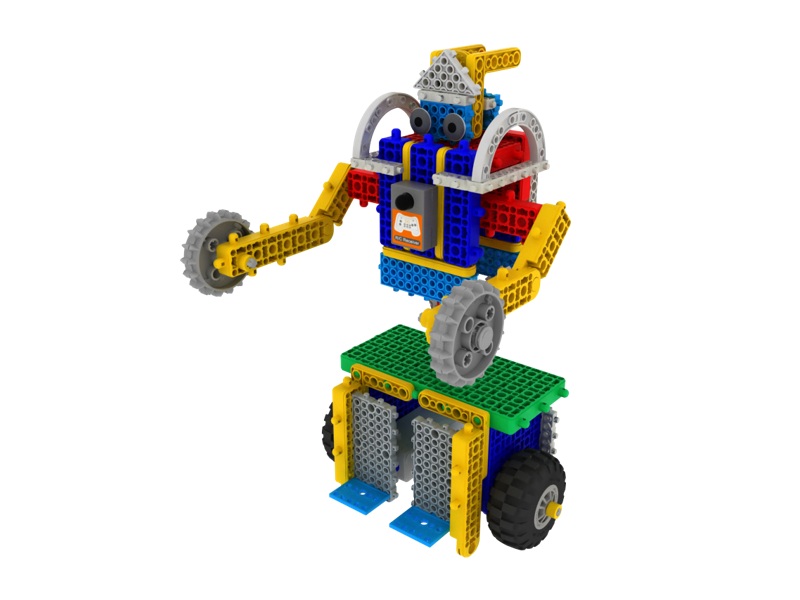
Choose from four robot control logics, test how each one changes the robot’s behaviour and discover how control logic works.
Course guideOpen course →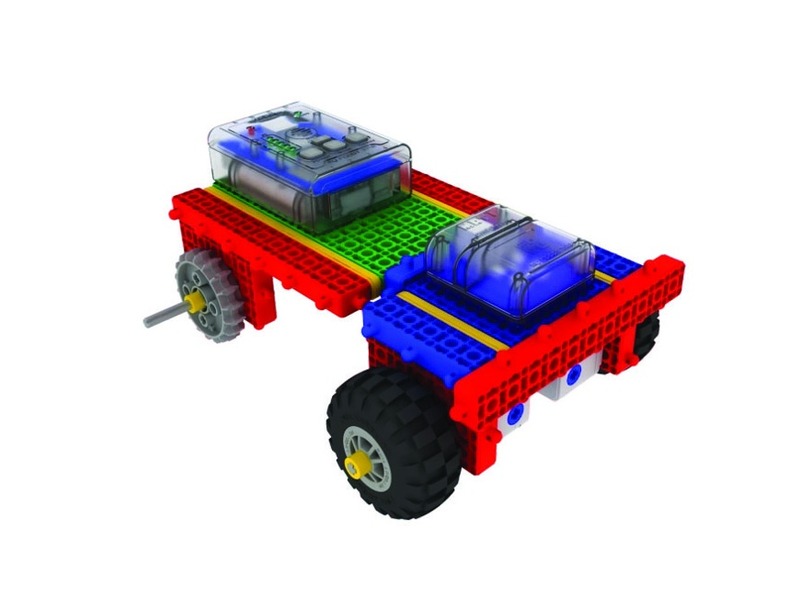
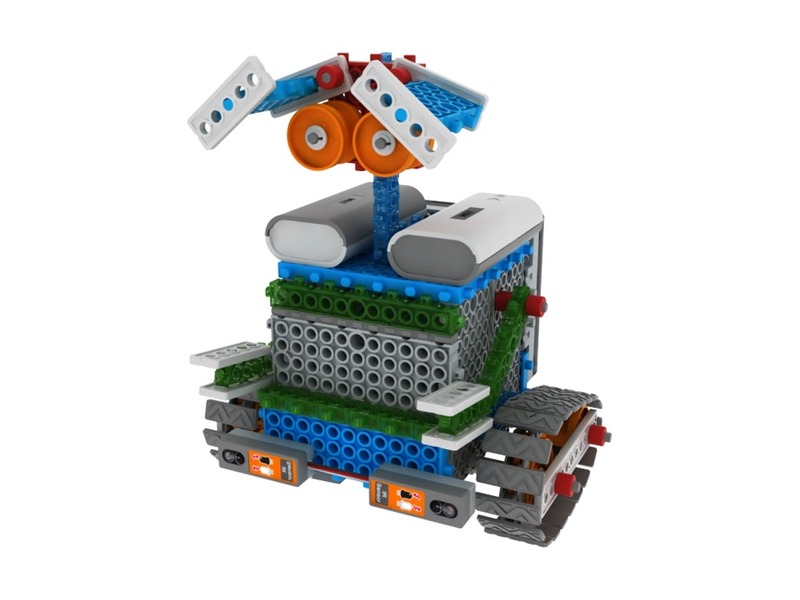
Combine mechanisms, board modes and sensors to explore how robots respond to their surroundings.
Course guideOpen course →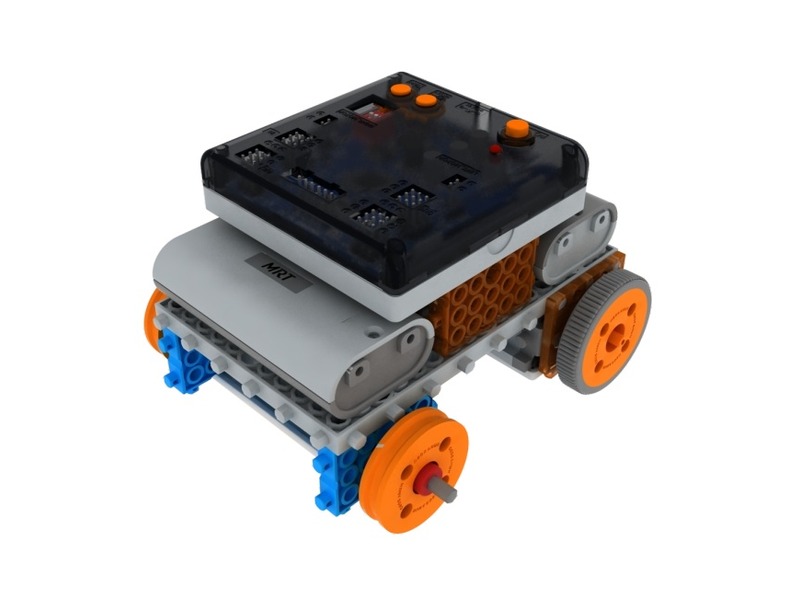
Program real robots with the MRT C++ GUI on Windows.
Course guideOpen course →402 → 451 → 452 → 471 → 472 · MRT AI Studio learning and creative application.
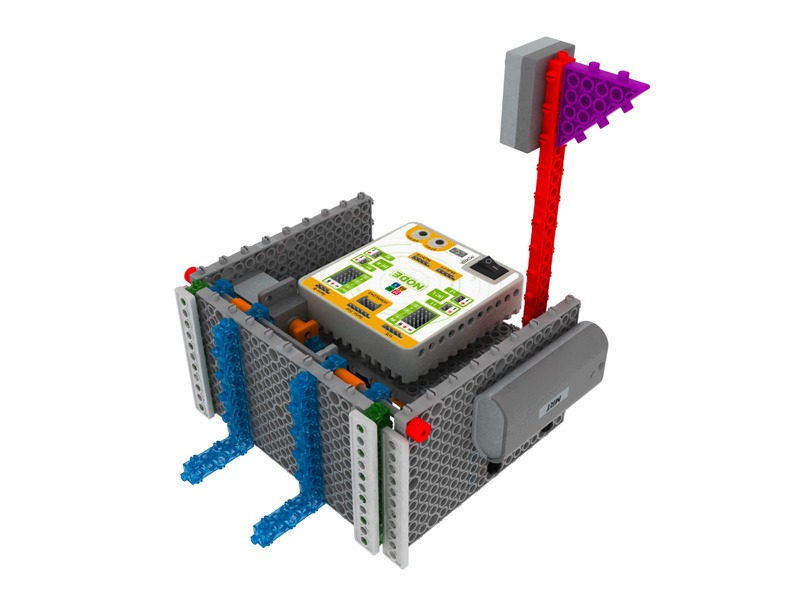
Build and control robots with Scratch-style blocks in MRT AI Studio, then continue through 451 AI, 452 sensors and 471 vision and voice.
49 learning units · redesigned pathway
Course guideOpen course →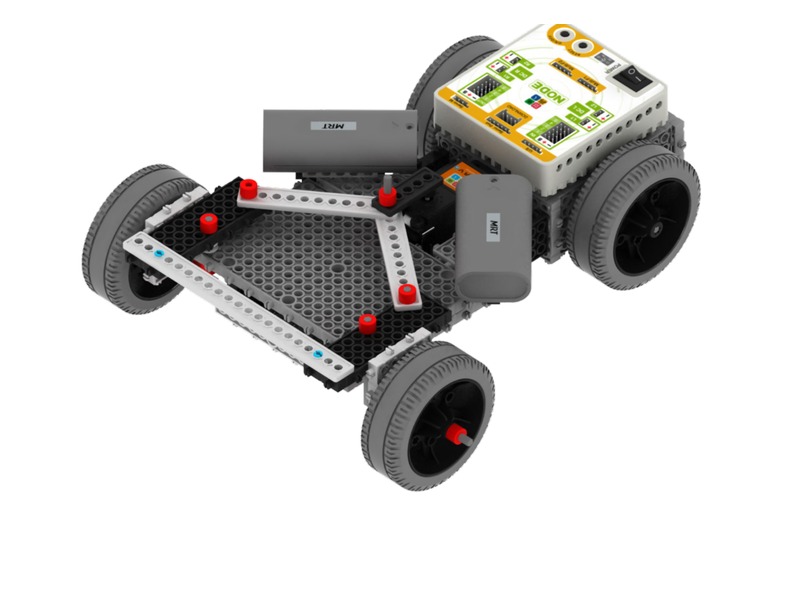
After required 402 foundations, practise Bluetooth control with eight familiar models, train and test pose models, and develop basic-to-advanced rescue robot control.
Course guideOpen course →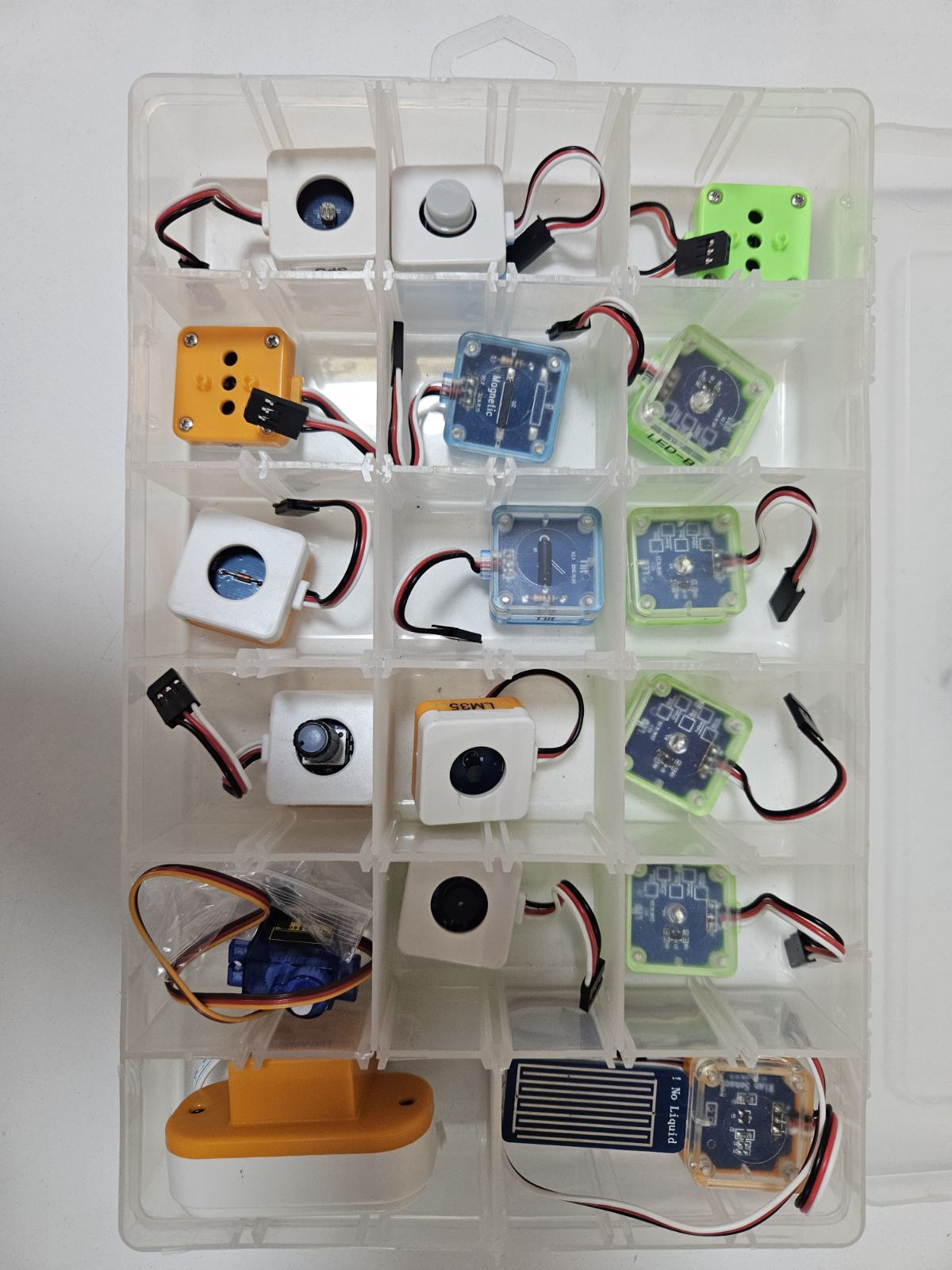
Build on the 451 foundation with calibrated sensor inputs and more complex robot missions.
Lessons in preparationOpen course →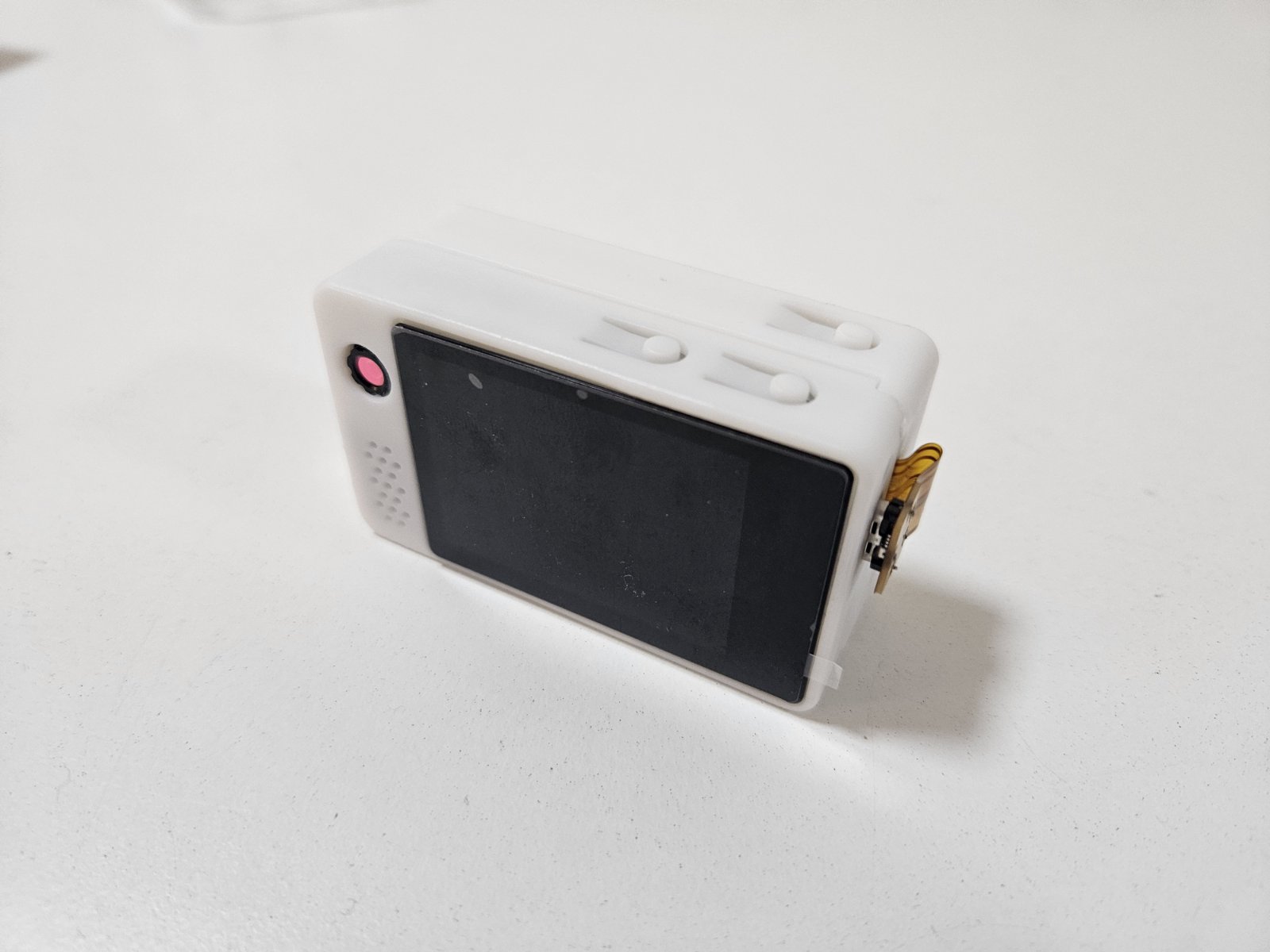
Extend the MRT AI Studio pathway with vision, voice and sensor-based robot projects.
Lessons in preparationOpen course →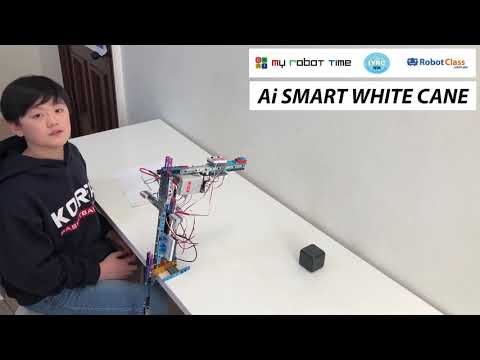
Apply skills from 402–471 to a purposeful robot design. Explore historic student examples for inspiration.
Project showcaseOpen course →Explore additional robot kits and activity pathways.
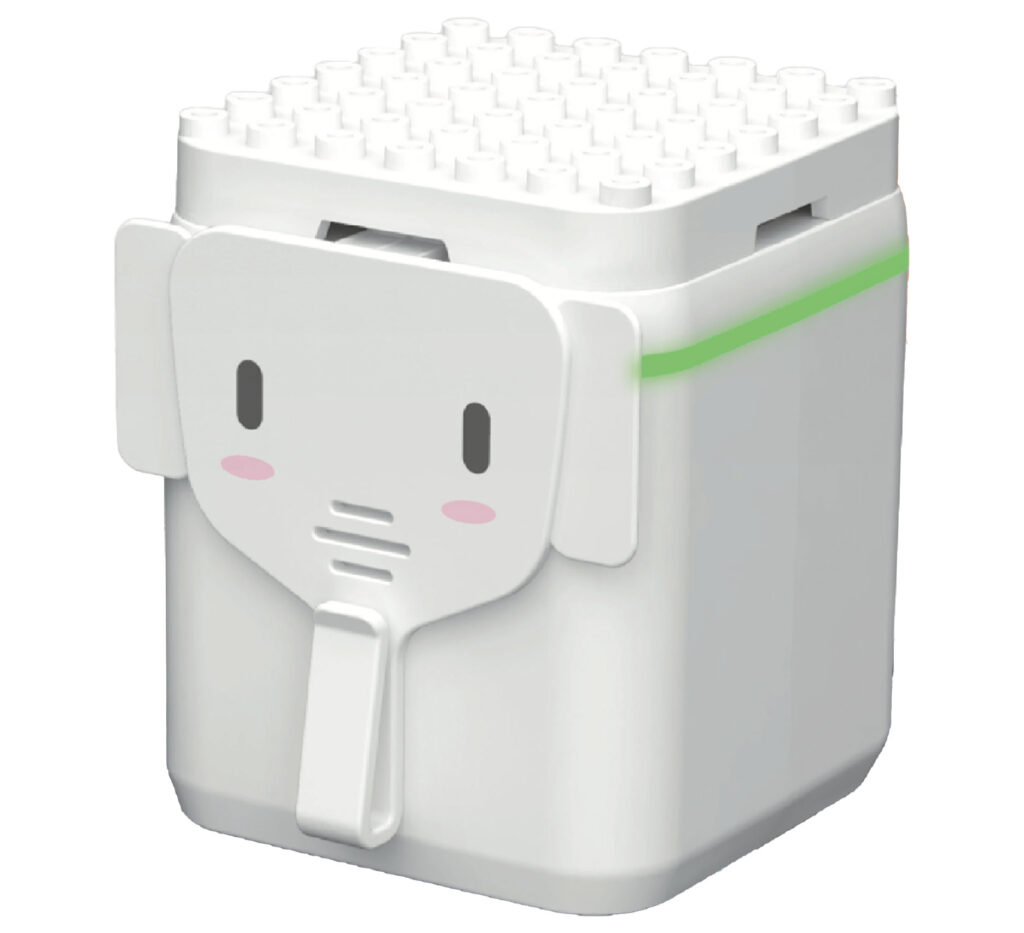
Explore direction, movement, number ideas and themed robot missions.
Course guideOpen course →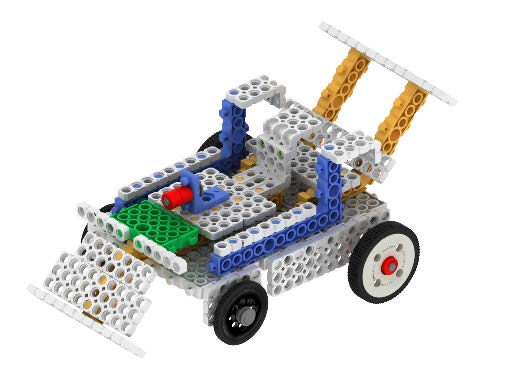
Explore three levels of model building and robot activities.
Course guideOpen course →Stories, games, logic and programming skills.
Move characters and connect scenes, sound and messages with visual blocks.
Course guideOpen course →
Combine events, coordinates, conditions and messages to create stories and games.
Course guideOpen course →
Predict, test and improve block programs to consolidate Scratch concepts.
Course guideOpen course →
Solve focused block-coding problems using variables, loops and conditions.
Course guideOpen course →
Turn familiar block ideas into Python code, then build small programs and projects.
Course guideOpen course →
Use Python commands and a robot library to plan movement, react to sensors and explore autonomous missions.
Course guideOpen course →
Train image and pose models, test their responses and explore connections to MRT AI projects.
Course guideOpen course →
Explore game rules and interactions through projects such as Pong, Space Shooter and maze games.
Course guideOpen course →Choose a year-level guide, then check the learning included in your access.
How many stars are there?
Build number sense through counting objects, matching quantities to numerals and comparing more, less and equal groups.
Course guideOpen course →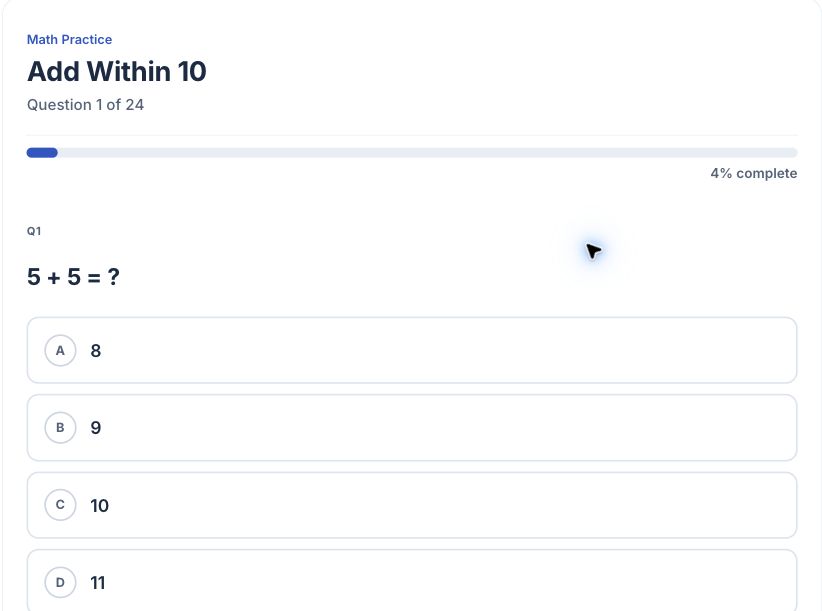
A square is divided into 4 equal parts. 1 part is shaded. What fraction is shaded?
Strengthen calculation within 100 and connect skip counting with equal-group multiplication.
Course guideOpen course →What is the name of this shape?
Develop multiplication and division fluency alongside three-digit calculation and place value to 1,000.
Course guideOpen course →The hands of a clock at 3:00 form what type of angle?
Extend place value to 10,000 and apply multiplication and division to practical problems.
Course guideOpen course →A line graph shows temperature: Mon=22, Tue=25, Wed=19, Thu=27, Fri=24. What was the max temp?
Build confidence with unlike fractions, decimals, percentages and order of operations.
Course guideOpen course →Pie chart: 25% Football, 40% Basketball, 20% Tennis, 15% Swimming. Out of 200 students, how many chose Basketball?
Bring fractions, decimals, percentages, ratios and rates together in multi-step problems.
Course guideOpen course →What is the absolute value of -7?
Build a foundation for secondary maths with integer and fraction operations, ratios, rates and percentages.
Course guideOpen course →Simplify: 2³ × 2⁴
Connect algebra with graphs: apply index laws, expand and factorise expressions, solve equations and inequalities, and explore gradient.
Course guideOpen course →What is 9^(1/2)?
Deepen algebra through surds, fractional indices, quadratics and simultaneous equations.
Course guideOpen course →Is (x−2) a factor of x²−5x+6?
Extend mathematical reasoning through polynomials, functions, logarithms and exponential models.
Course guideOpen course →Keyboard skills, vocabulary, coding symbols and purposeful writing.
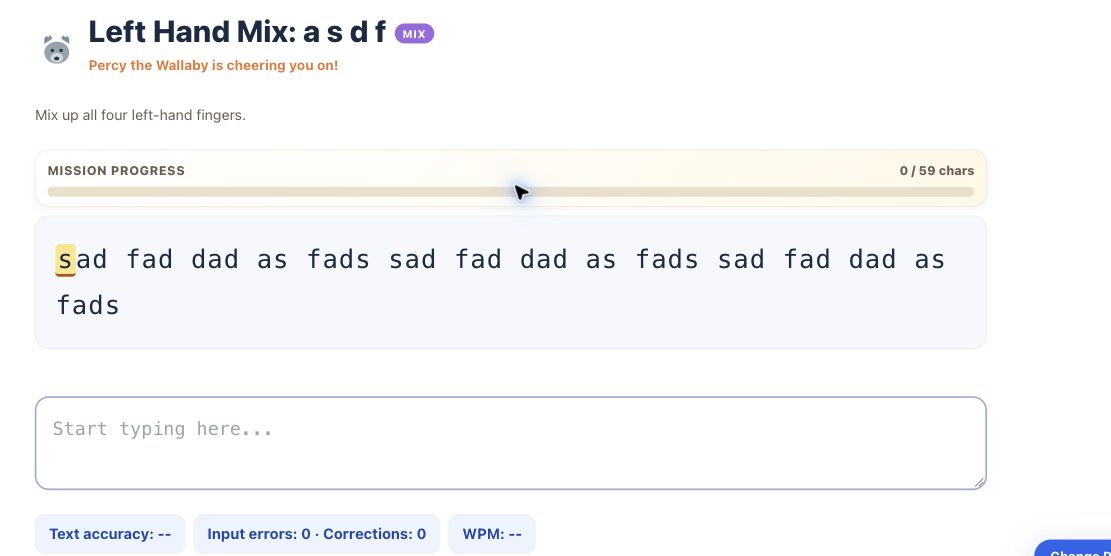
Build accurate keyboard habits with finger guidance, five practice modes and challenge stages.
Course guideOpen course →Type, run and explore real Python: print(), variables, conditions and loops.
Course guideOpen course →Build English vocabulary through 330 word activities.
Course guideOpen course →Develop more precise English with 580 vocabulary activities.
Course guideOpen course →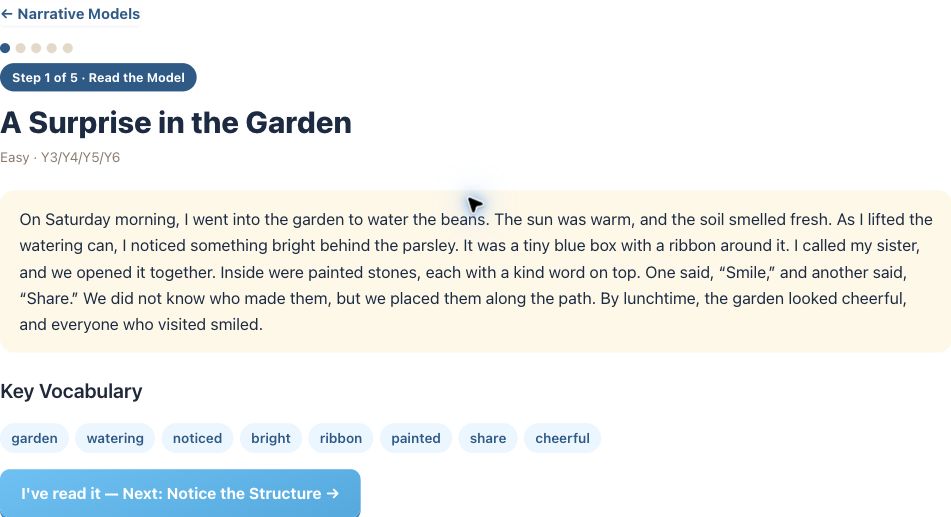
Build towards confident writing across 10 genres with 100 model texts and 300 useful expressions.
Course guideOpen course →Further development follows completion of the pathway through 472.
Explore how Python functions, classes and communication packets control robots through USB Serial and BLE.
In developmentOpen course →Open your existing learning home after signing in. Available courses follow your valid course access, not everything listed here.
Open my dashboard