
EXPLORE MRT LEARNING
Find your next course.
Explore robotics, AI, coding, maths, typing and writing. Ages are recommendations. Choose a course that matches your experience, then check the access you need.
Course introductions are open to everyone. Full lessons and protected materials require valid access to that course.
Search highlights matches without hiding other courses.
1 matches highlighted. 40 course guides and project pathways remain in the list.
Beginner Robotics 1
Start with hands-on robot coding.
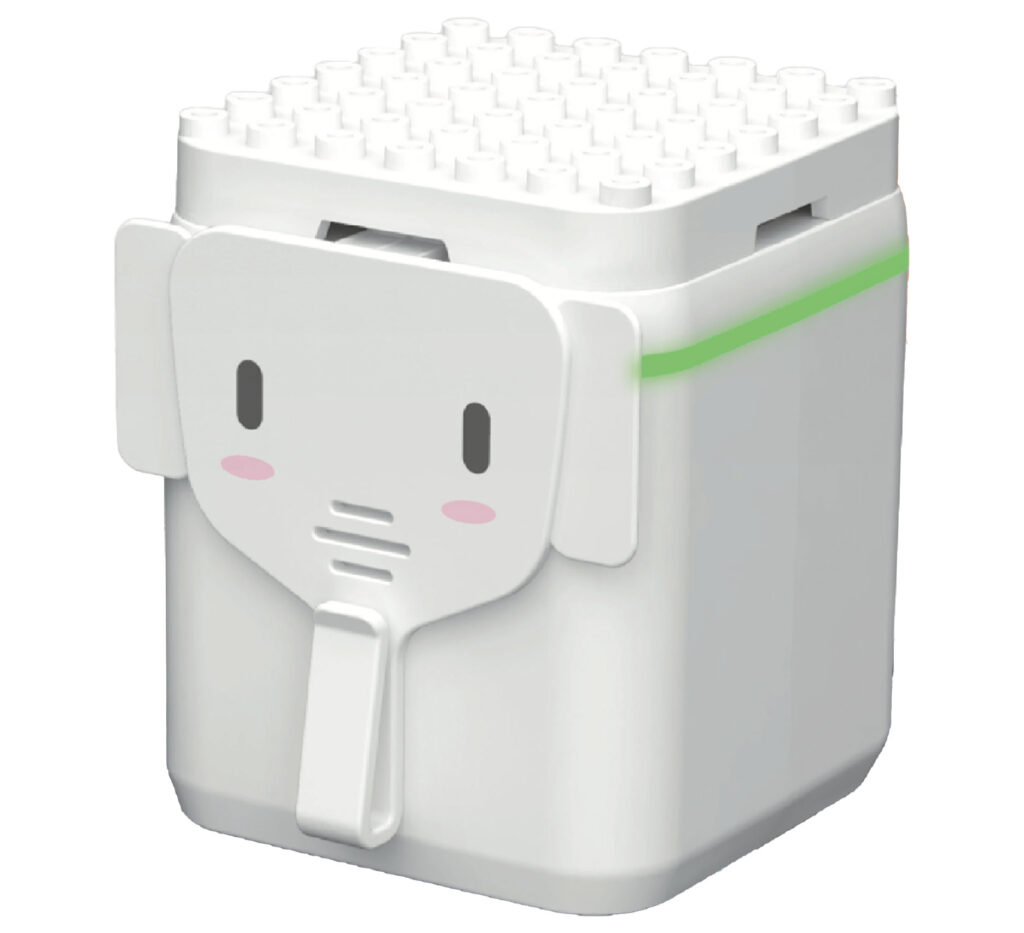
Robotics Foundations 5
Build, explore and compare robot control methods.
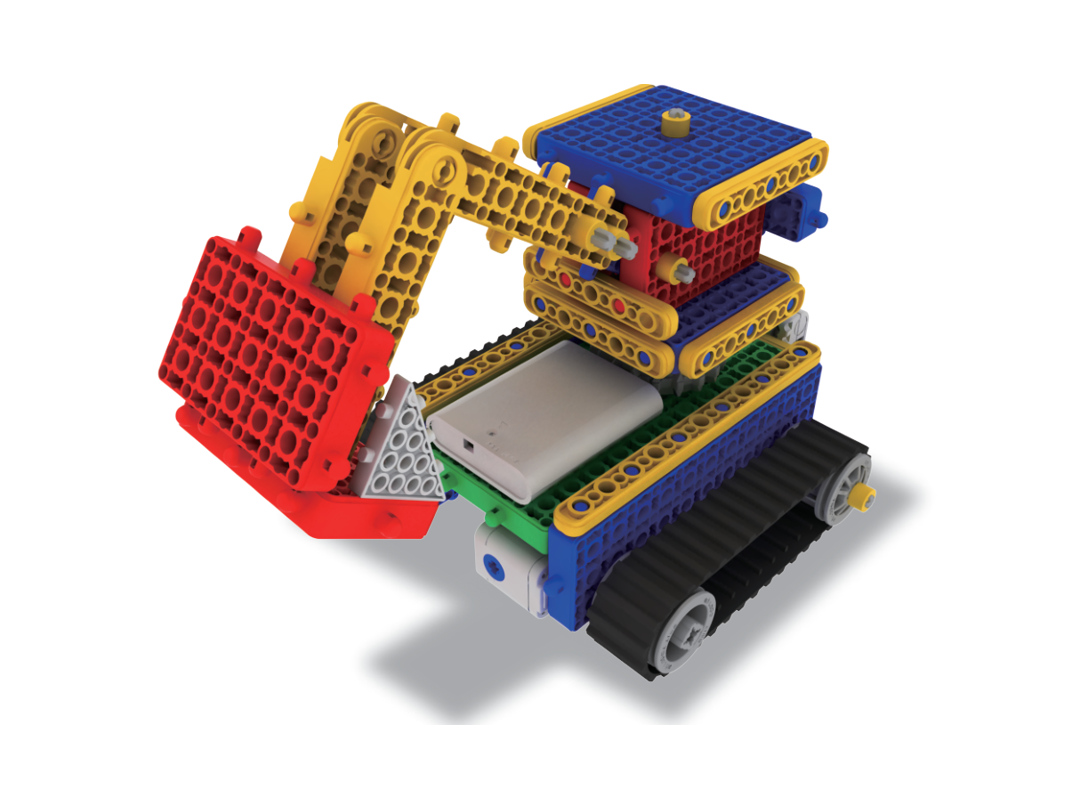
Connect structures and electronics · 001
Connect block structures and electronic devices.
Ages 6–8 · Beginner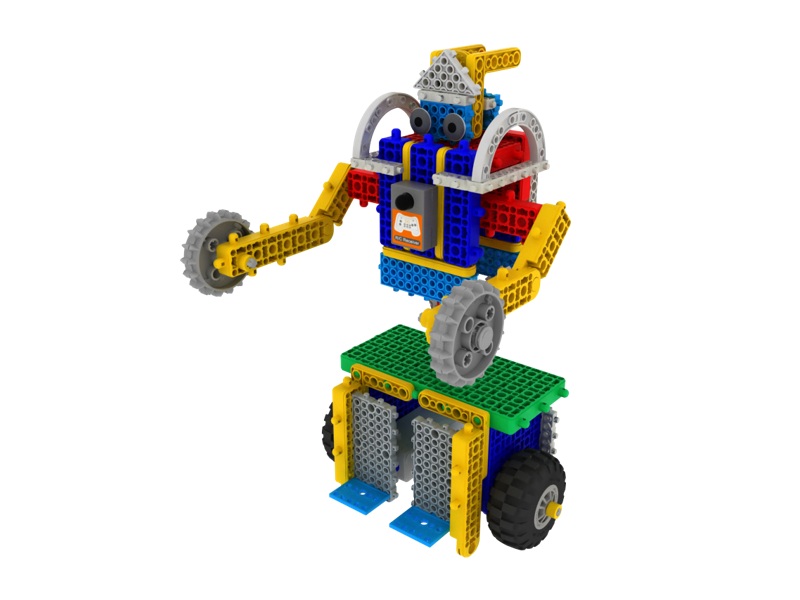
Choose and understand four control logics · 101
Choose from four robot control logics, test how each one changes the robot’s behaviour and discover how control logic works.
Ages 6–8 · Beginner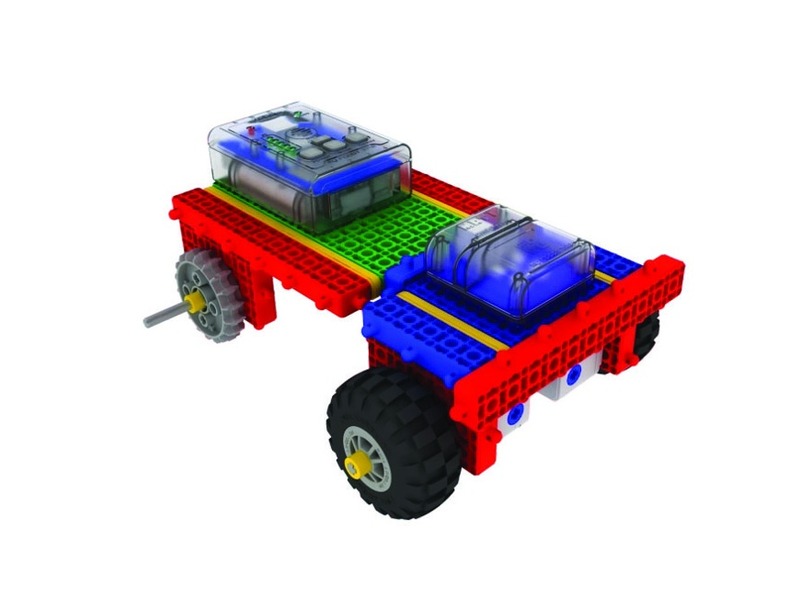
Scan logic cards to code robots · 201
Code your robot without a computer.
Ages 8–10 · Intermediate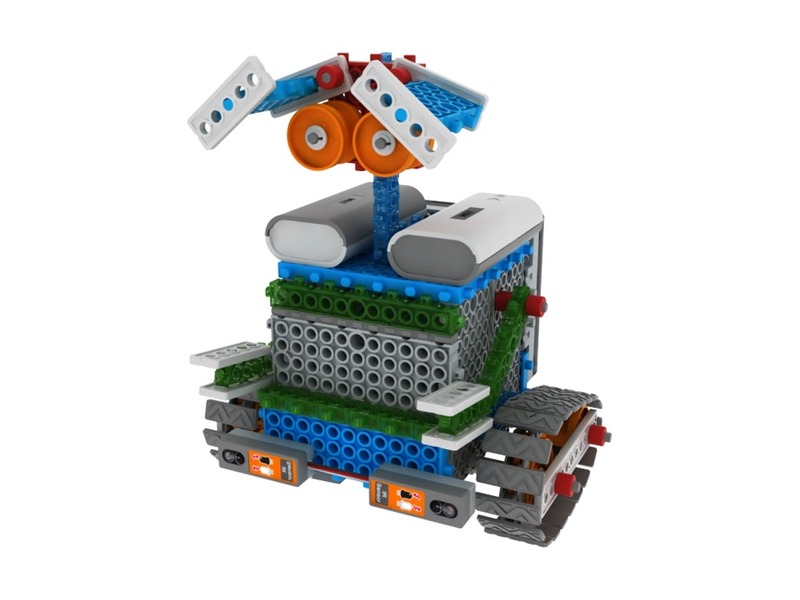
Explore sensors and robot systems · 301
Combine mechanisms, board modes and sensors to explore how robots respond to their surroundings.
Ages 10+ · Intermediate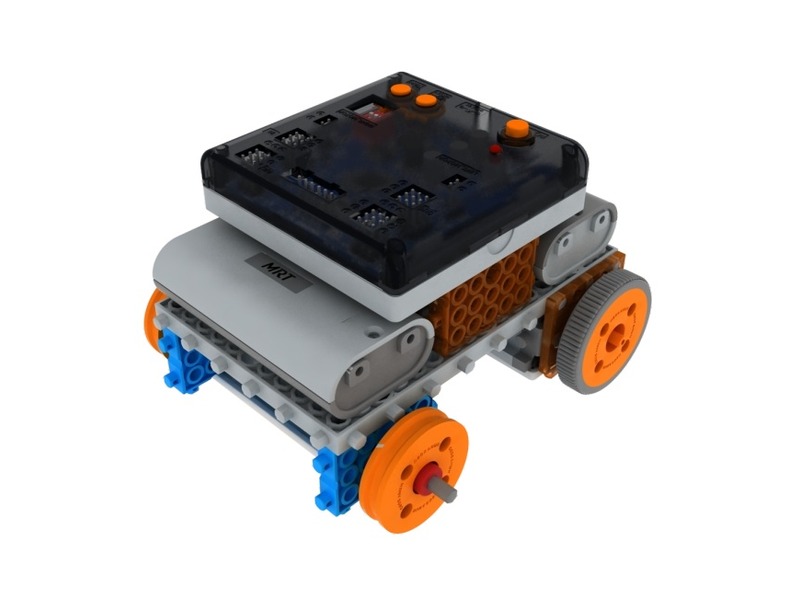
Code robots with C++ GUI · 401
Program real robots with the MRT C++ GUI on Windows.
Ages 10+ · IntermediateAI Robot Building Pathway 5
402 → 451 → 452 → 471 → 472 · MRT AI Studio learning and creative application.
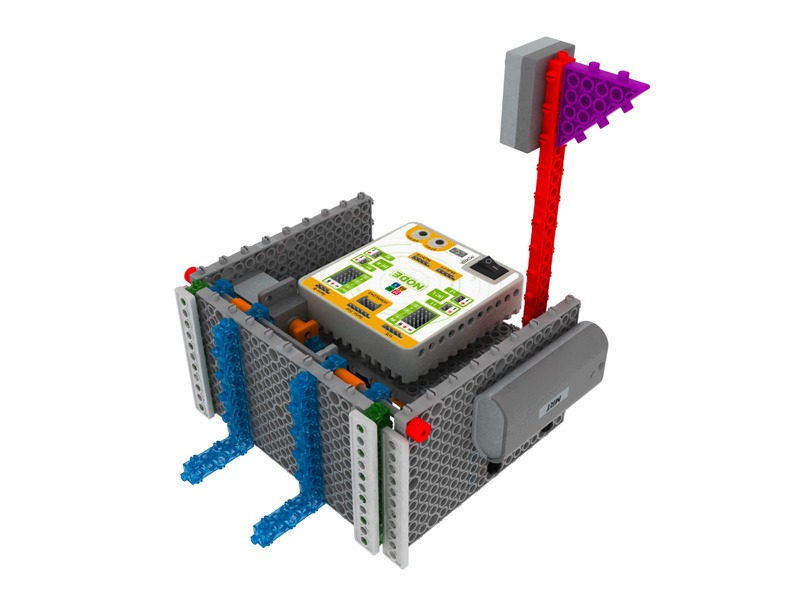
Scratch robot coding — prepare for AI · 402
Build and control robots with Scratch-style blocks in MRT AI Studio, then continue through 451 AI, 452 sensors and 471 vision and voice.
49 learning units · redesigned pathway
Ages 10+ · Beginner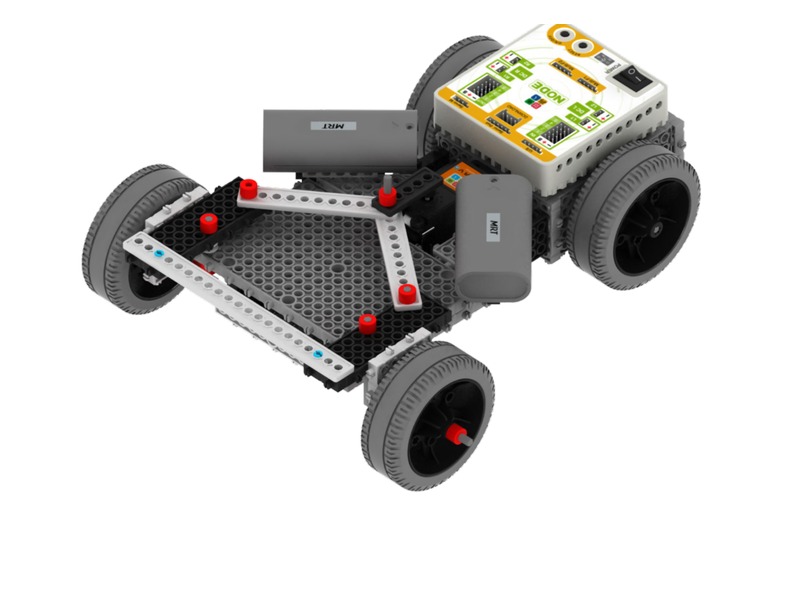
AI Stage 1 — train and control · 451
After required 402 foundations, practise Bluetooth control with eight familiar models, train and test pose models, and develop basic-to-advanced rescue robot control.
Ages 11+ · Intermediate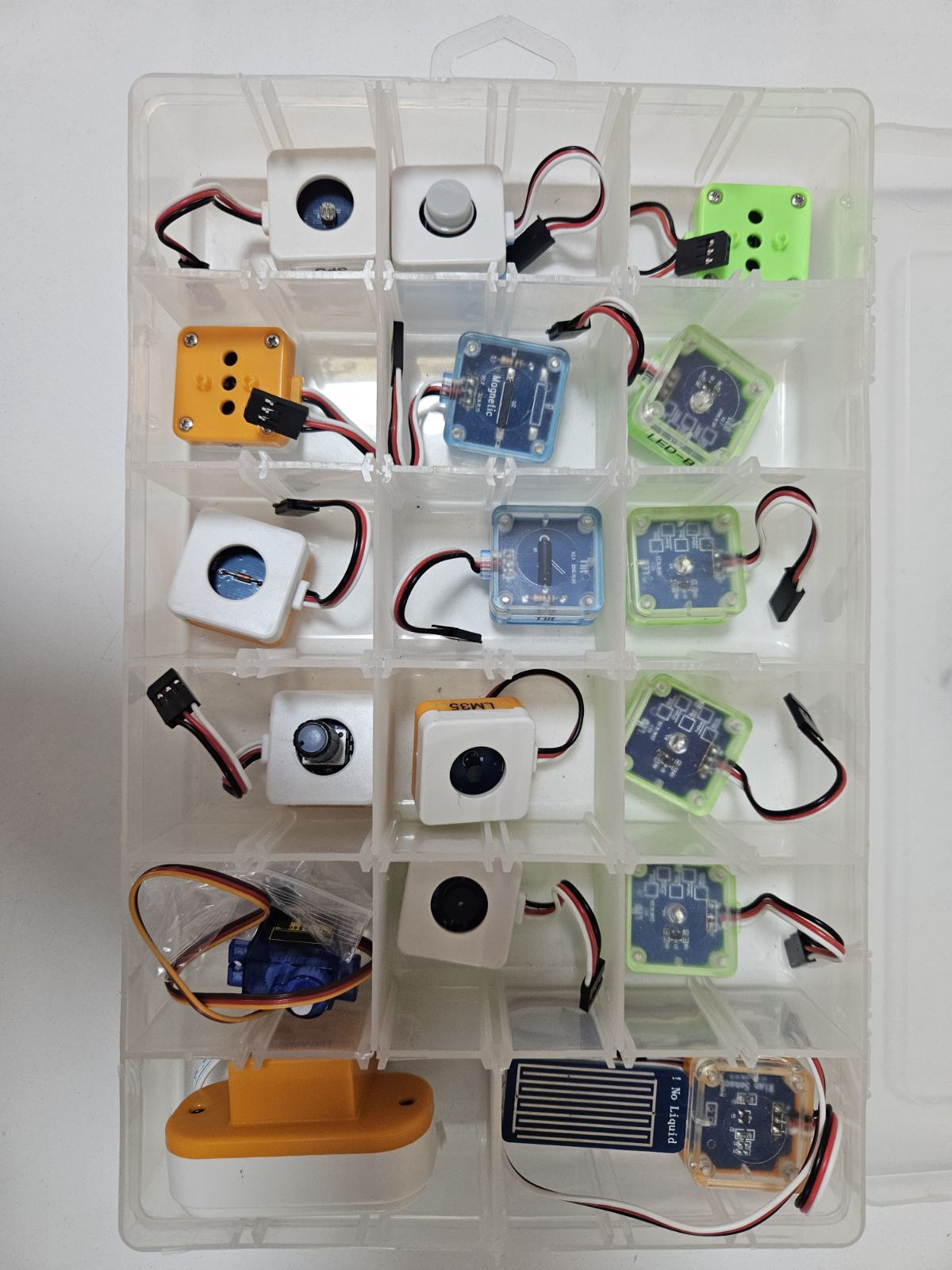
452 · AI Models & Sensors
Build on the 451 foundation with calibrated sensor inputs and more complex robot missions.
Ages 11+ · Intermediate · In prep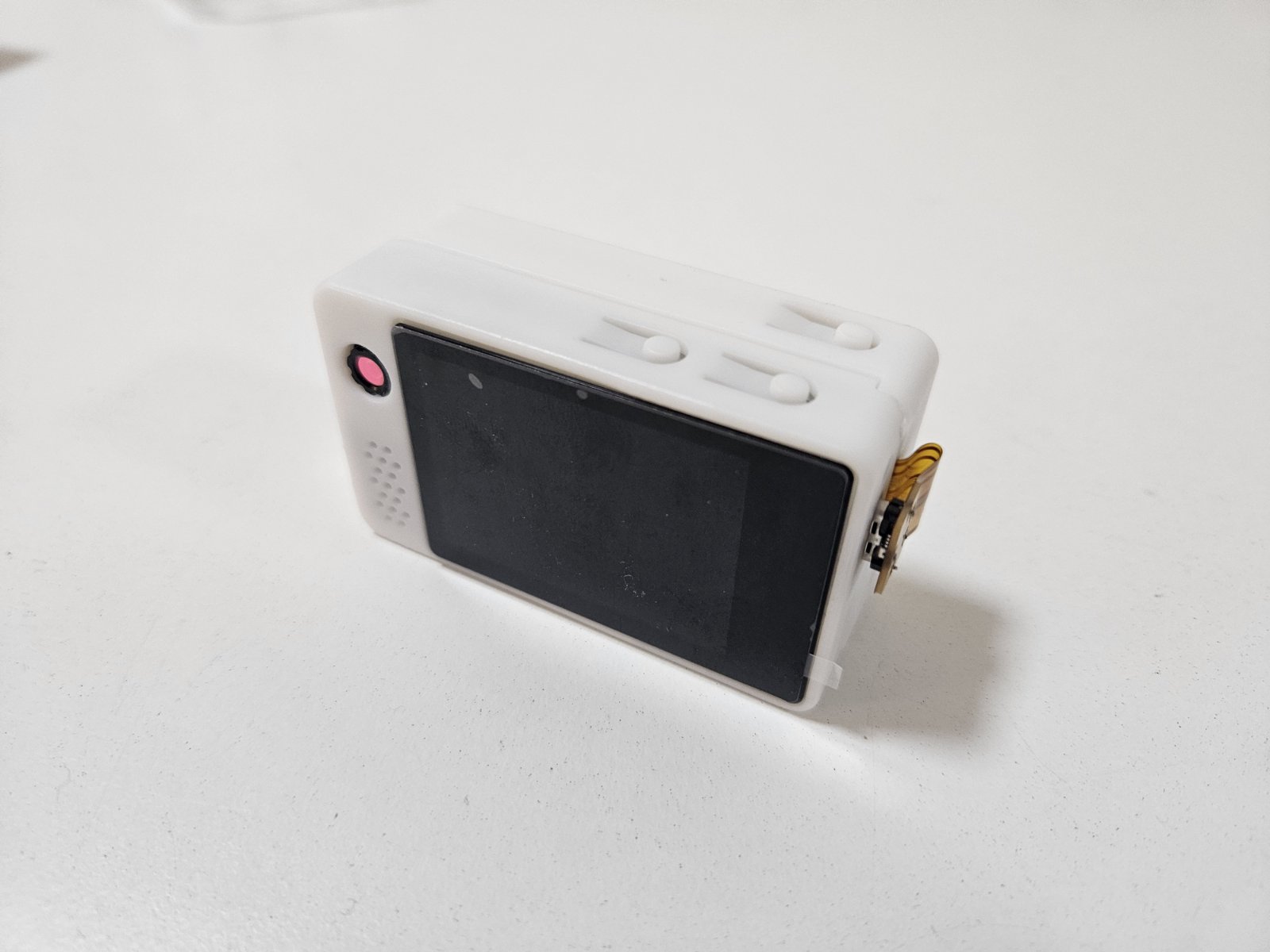
471 · Vision, Voice & Robotics
Extend the MRT AI Studio pathway with vision, voice and sensor-based robot projects.
Ages 12+ · Advanced · In prep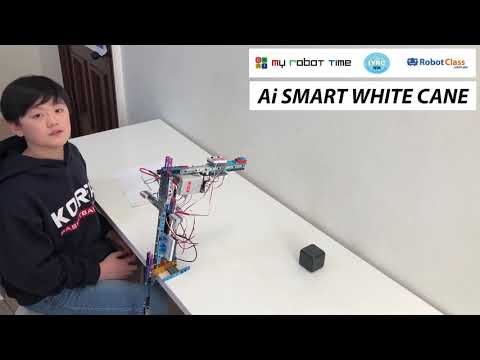
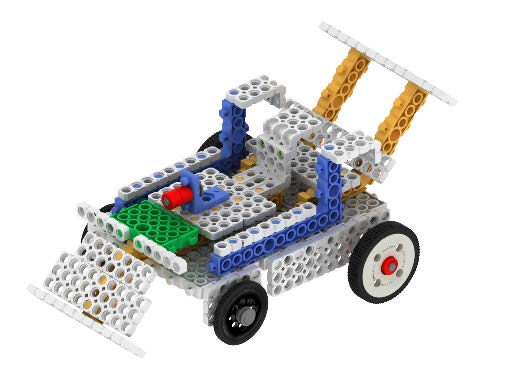
472 · Creative Robot Projects
Apply skills from 402–471 to a purposeful robot design. Explore historic student examples for inspiration.
Ages 12+ · Advanced · ShowcaseMore Robotics 1
Explore additional robot kits and activity pathways.
Coding 9
Stories, games, logic and programming skills.
ScratchJr — first stories and games
Move characters and connect scenes, sound and messages with visual blocks.
Ages 5–7 · Beginner
Scratch — create interactive projects
Combine events, coordinates, conditions and messages to create stories and games.
Ages 8+ · Beginner
Scratch review and coding quiz
Predict, test and improve block programs to consolidate Scratch concepts.
Ages 8+ · Intermediate
Scratch Advanced — Build, Play & Change
Understand variables and build nine small games in MRT AI Studio. Predict, change rules and test logic, loops, My Blocks, lists and game states.
Course guide
Logic Mission — think, build, test
Solve focused block-coding problems using variables, loops and conditions.
Ages 8+ · Intermediate
Python foundations for Scratch learners
Turn familiar block ideas into Python code, then build small programs and projects.
Ages 10+ · Beginner
Python robot control · Studio 201
Use Python commands and a robot library to plan movement, react to sensors and explore autonomous missions.
Ages 12+ · Intermediate
Teachable Machine — explore AI models
Train image and pose models, test their responses and explore connections to MRT AI projects.
Ages 10+ · Beginner
GameMaker — game projects
Explore game rules and interactions through projects such as Pong, Space Shooter and maze games.
Ages 8+ · BeginnerMaths · Kindergarten–Year 10 11
Choose a year-level guide, then check the learning included in your access.
How many stars are there?
Kindergarten Maths
Build number sense through counting objects, matching quantities to numerals and comparing more, less and equal groups.
Ages 5–6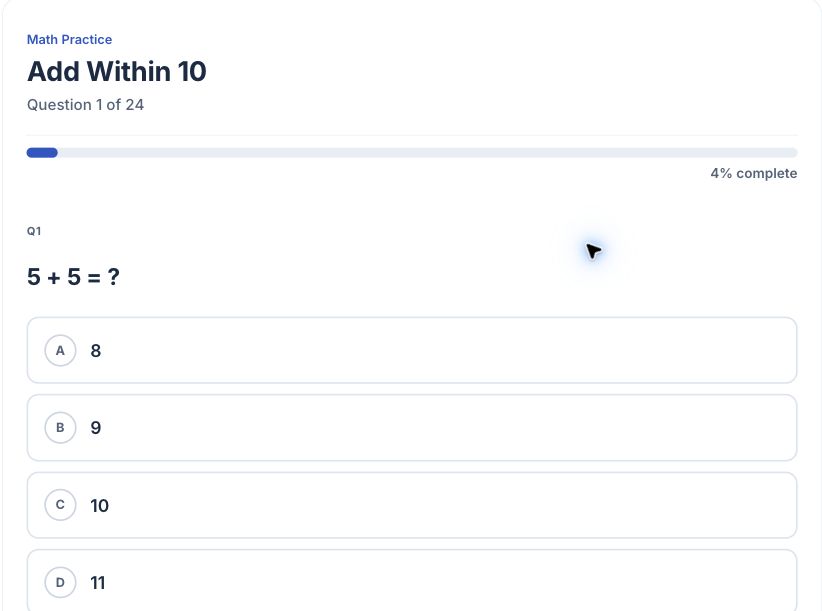
Year 1 Maths
Connect counting to addition and subtraction within 20.
Ages 6–7A square is divided into 4 equal parts. 1 part is shaded. What fraction is shaded?
Year 2 Maths
Strengthen calculation within 100 and connect skip counting with equal-group multiplication.
Ages 7–8What is the name of this shape?
Year 3 Maths
Develop multiplication and division fluency alongside three-digit calculation and place value to 1,000.
Ages 8–9The hands of a clock at 3:00 form what type of angle?
Year 4 Maths
Extend place value to 10,000 and apply multiplication and division to practical problems.
Ages 9–10A line graph shows temperature: Mon=22, Tue=25, Wed=19, Thu=27, Fri=24. What was the max temp?
Year 5 Maths
Build confidence with unlike fractions, decimals, percentages and order of operations.
Ages 10–11Pie chart: 25% Football, 40% Basketball, 20% Tennis, 15% Swimming. Out of 200 students, how many chose Basketball?
Year 6 Maths
Bring fractions, decimals, percentages, ratios and rates together in multi-step problems.
Ages 11–12What is the absolute value of -7?
Year 7 Maths
Build a foundation for secondary maths with integer and fraction operations, ratios, rates and percentages.
Ages 12–13Simplify: 2³ × 2⁴
Year 8 Maths
Connect algebra with graphs: apply index laws, expand and factorise expressions, solve equations and inequalities, and explore gradient.
Ages 13–14What is 9^(1/2)?
Year 9 Maths
Deepen algebra through surds, fractional indices, quadratics and simultaneous equations.
Ages 14–15Is (x−2) a factor of x²−5x+6?
Year 10 Maths
Extend mathematical reasoning through polynomials, functions, logarithms and exponential models.
Ages 15–16Typing & Writing 7
Keyboard skills, vocabulary, coding symbols and purposeful writing.
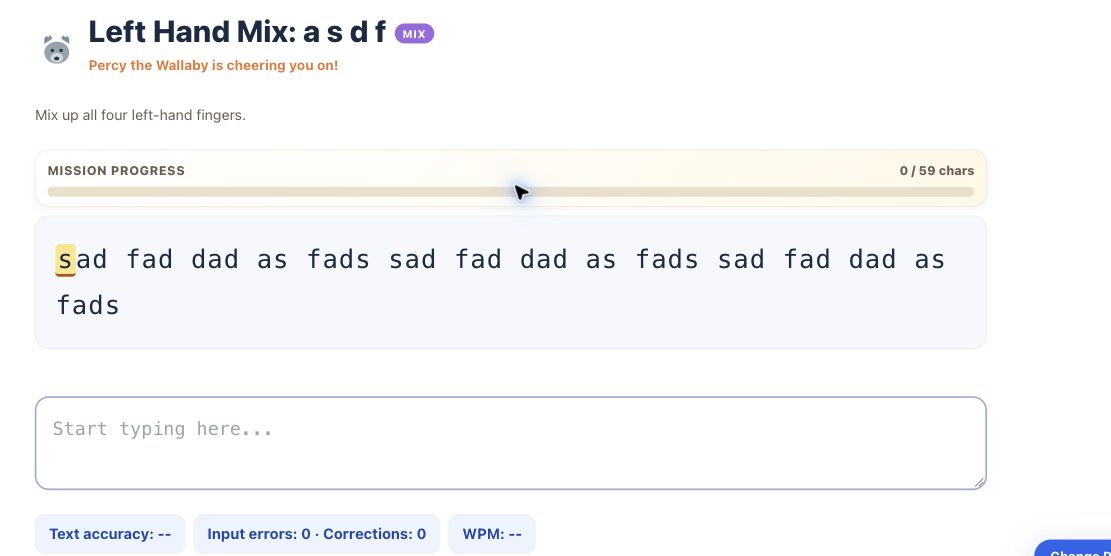
Keyboard Basics
Build accurate keyboard habits with finger guidance, five practice modes and challenge stages.
Ages 6+ · BeginnerCoding Symbols
Build fluency with the punctuation code depends on.
Ages 8+ · IntermediatePython Typing Lab
Type, run and explore real Python: print(), variables, conditions and loops.
Ages 10+ · IntermediateHome Row Explorer — words and sentences
Build English vocabulary through 330 word activities.
Ages 7–9 · BeginnerReading Word Runner
Expand reading vocabulary through 450 word activities.
Ages 8–10 · IntermediateAdvanced Word Master
Develop more precise English with 580 vocabulary activities.
Ages 10–12 · Advanced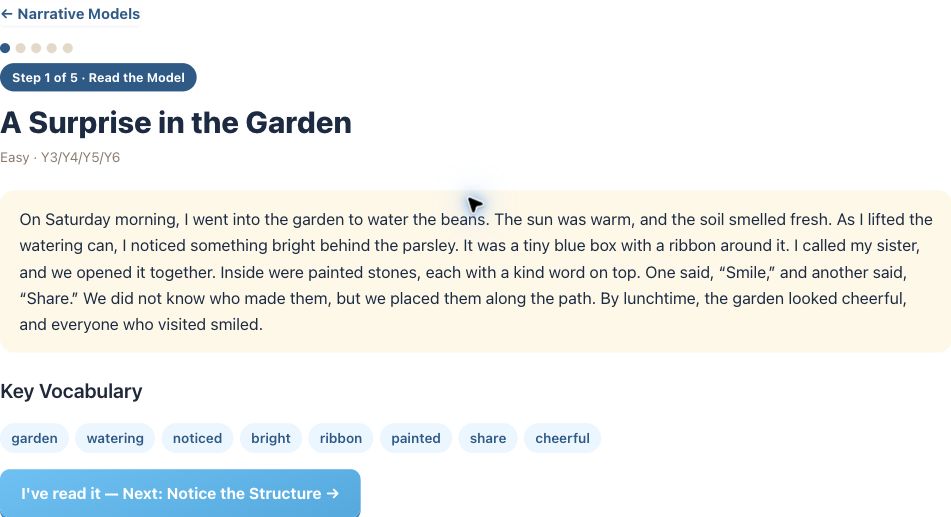
Writing Fluency Lab
Build towards confident writing across 10 genres with 100 model texts and 300 useful expressions.
Ages 8–12 · IntermediatePython Robotics · In development 1
Further development follows completion of the pathway through 472.
Looking for your current learning?
Open your existing learning home after signing in. Available courses follow your valid course access, not everything listed here.
Open my dashboard